8. Statistics¶
The "Statistics" tab of the home screen tracks your progress per discipline, computed from every completed session on your account.
8.1 Choosing a discipline¶
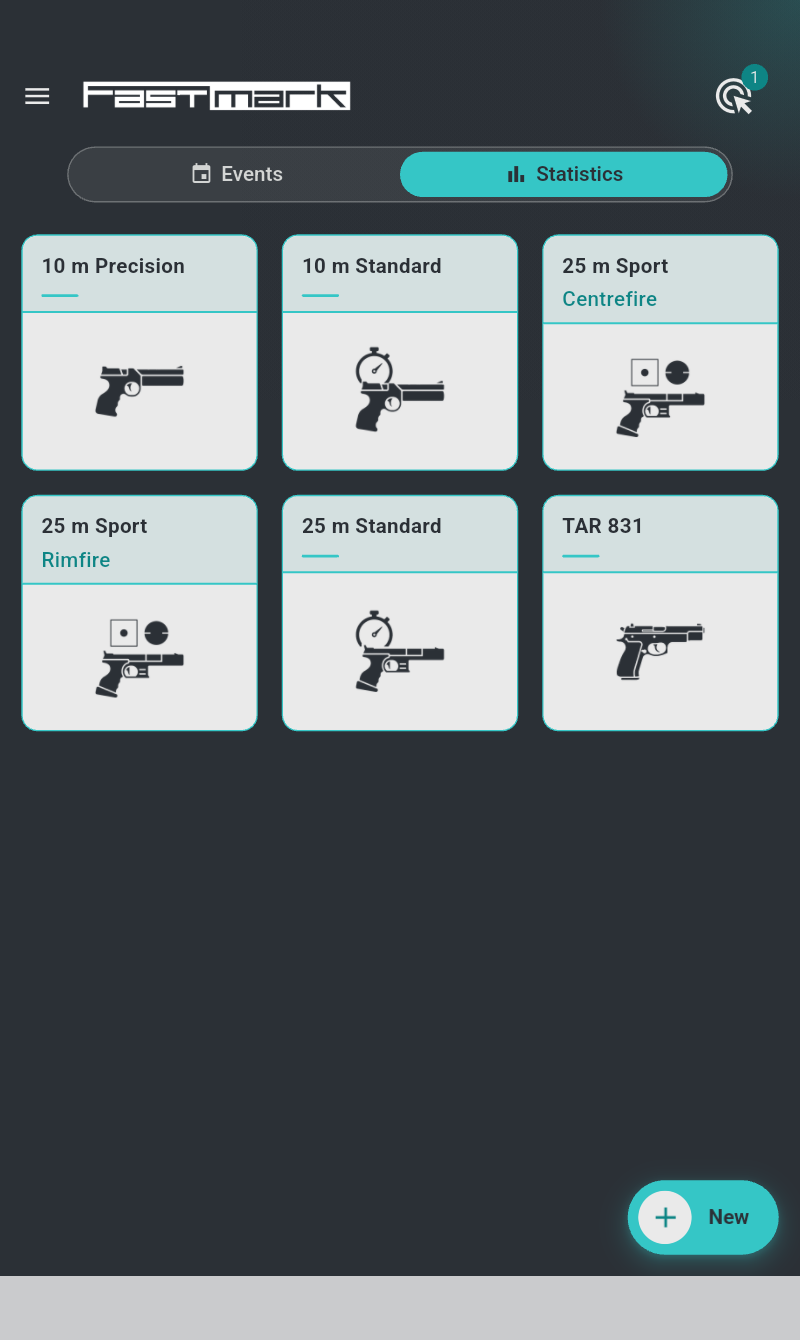
The tab shows one tile per discipline variant — a discipline shot at one distance, with one caliber and one stance. The tile carries the discipline's name and pictogram and, when you shoot several variants of the same discipline, a subtitle naming what differs (25 m, Rimfire, Prone …). Tiles are sorted by distance, then discipline, the most-shot variant first. A variant gets its tile once it holds at least two qualifying series. Tap a tile to open its statistics page.
8.2 The discipline page¶
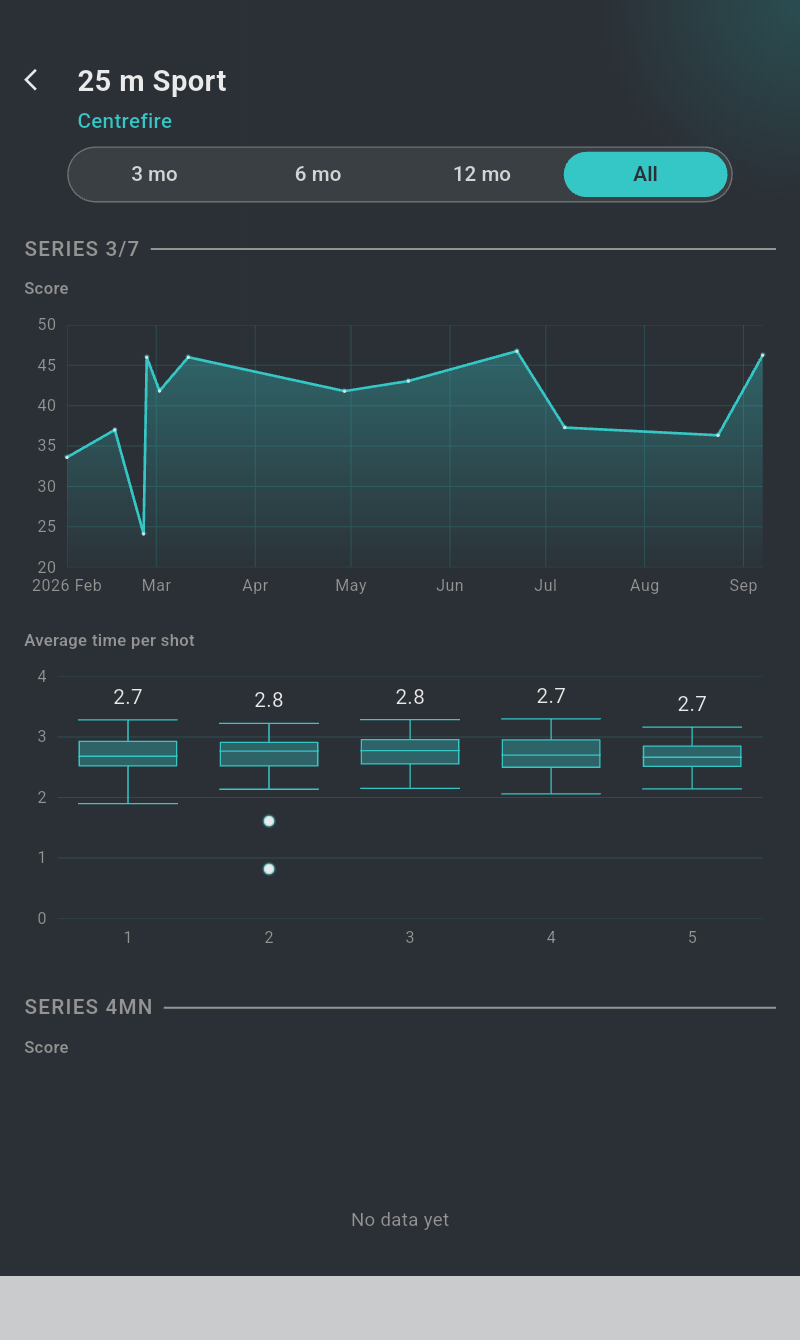
The page is titled with the discipline and its variant. A period selector at the top — "3 mo", "6 mo", "12 mo" or "All" (the default) — sets how far back every chart below reaches. To look at another variant of the same discipline, go back and tap its tile.
8.3 Score charts — your progress over time¶
The score charts plot your totals against the calendar, one point per outing — the slope of the line is your progress:
- "Matches" — shown when the discipline has match sessions: one line per shooter, one point per match (all series of the session summed; several matches the same day average into one point). A line needs results on at least two different days.
- "Series {}" — one card per series timing (e.g. Series 150s, Series ∞, Series 3/7), opening with the "Score" chart of the per-series total over time under the same rules, so a 150-second series is never compared with an unlimited one. Precision series that differ only by their waiting time share a card.
- "X count" — on Benchrest disciplines, the same chart for the number of X per match or per series (§7.4), under the "Matches" panel and in each series card.
A legend appears when the charts hold several shooters; tap a chart to read the exact values at a date.
8.4 The shot-timing box plot¶
In each series card, "Average time per shot" shows when you shoot rather than how well. There is one box per shot position — first shot of the series, second shot, and so on — and each box summarizes all your recorded times for that position over the selected period: in rapid fire, the time from the start of the exposure to the shot; in precision, the split time since the previous shot. Unlimited (∞) series carry no timing.
Read a box like this: the line inside is your median time (printed above the box when a single shooter is charted), the box holds the middle half of your times, and the whiskers stretch to your fastest and slowest. A short box means a consistent rhythm; a tall first box, for example, means your first shot's timing varies a lot.
8.5 What counts¶
Only completed sessions of the Series and Match tabs enter the statistics (Custom sessions are free-form and excluded; challenge attempts count like any match), without their sighting series, and only valid scored shots — practice-zone and discarded shots are ignored; malfunction re-shoots are combined per §7.9, never counted twice. Removing a session from your list (§5.7) removes it from your statistics as well. Sections without enough data show "No data yet".